
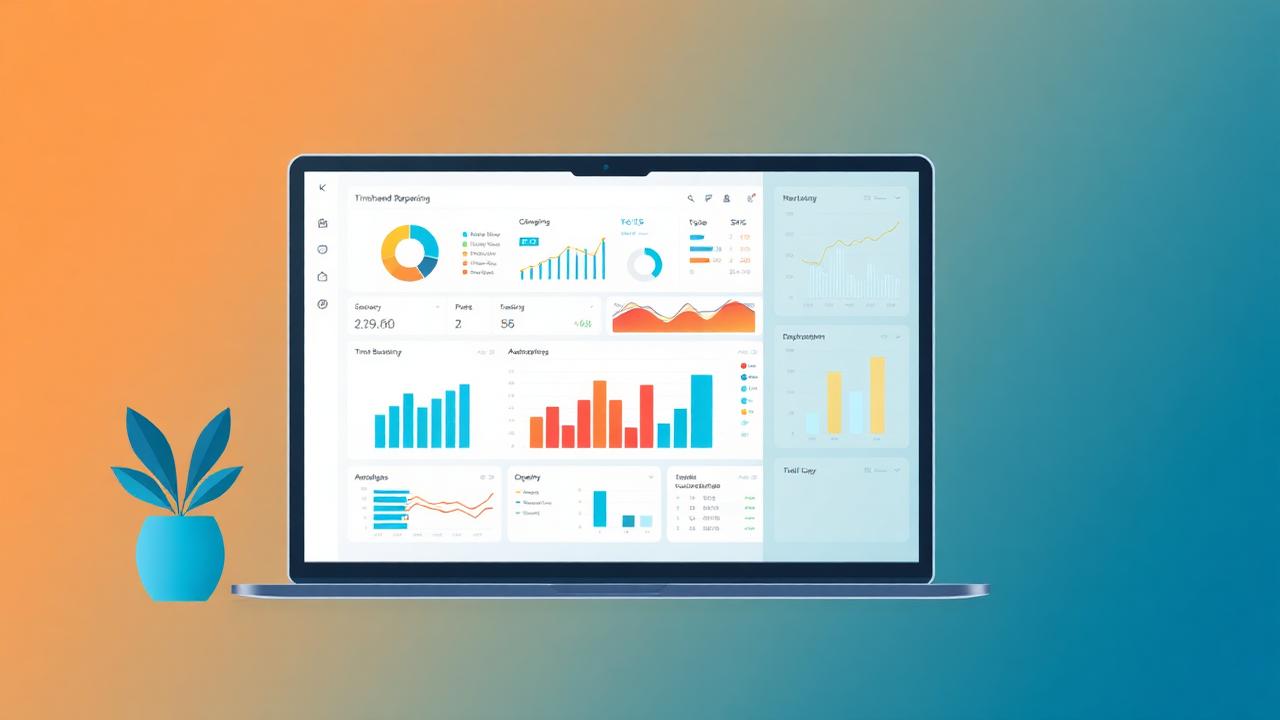
Utilization report
Utilization = billable hours ÷ available hours. JTMS calculates it per employee, per team, per month and per project so you can see who is over- or under-utilised.
Billable vs non-billable
Every entry is tagged billable or non-billable. Report shows the split by employee, project and client, so you can see where non-billable time is leaking.
Project P&L
Combines billable hours × client rate (revenue) with billable hours × cost rate (cost) to give real-time margin per project. Warns when a fixed-fee project is going over budget.
Client-wise report
All hours (billable + non-billable) grouped by client, for the period you select — ready to attach to an invoice.
Overtime and exception reports
Overtime beyond a configurable threshold, missing timesheets, entries without a project, entries flagged for review — all one-click reports.
Export & scheduling
Every report exports to Excel, CSV and PDF. You can schedule a weekly PDF to land in a manager's inbox automatically.
Related JTMS features
Try JTMS free — 30-day trial, no credit card
Set up in minutes. Cloud-based. Works on desktop and mobile.
Start Free Trial Book a DemoRelated: cloud timesheet software · All blog posts · All features · Pricing